
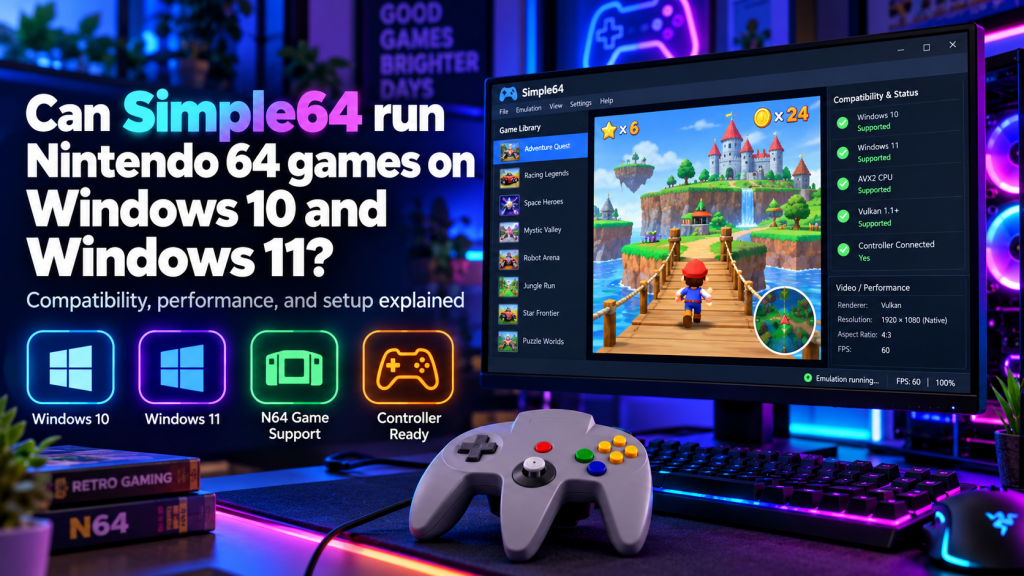
Simple64 is a free, open-source Nintendo 64 emulator that allows users to play classic N64 games on modern Windows computers. Many retro gaming enthusiasts wonder whether Simple64 works properly on Windows 10 and Windows 11, especially when using newer hardware. Fortunately, the emulator can run supported Nintendo 64 games on both operating systems, provided the computer meets its essential hardware requirements.
Whether you want to revisit childhood favorites or explore classic console gaming, Simple64 offers a convenient solution. This guide explains Windows compatibility, required specifications, supported games, installation steps, controller configuration, and practical ways to improve overall gaming performance.
Does Simple64 Work on Windows 10 and Windows 11?
Yes, Simple64 can run Nintendo 64 games on compatible Windows 10 and Windows 11 computers. Its 64-bit Windows release allows users to launch supported games without owning the original Nintendo 64 console.
However, Windows compatibility depends on more than the operating system alone. Your processor must support AVX2 instructions, while your graphics card must support Vulkan 1.1 or newer for successful emulation.
Understanding Simple64 Windows Compatibility
Simple64 uses Mupen64Plus technology alongside ParaLLEl graphics emulation to reproduce Nintendo 64 hardware behavior. This combination focuses on accurate graphics and gameplay rather than simply increasing visual quality.
Both Windows 10 and Windows 11 can provide a suitable environment for the emulator. However, differences in graphics drivers, processors, and installed software may affect performance between computers.
Minimum Hardware Requirements for Windows PCs
Before installing Simple64, checking your computer’s specifications is essential. The emulator has specific hardware requirements that cannot always be resolved by adjusting settings or reinstalling software.
| Component | Requirement |
|---|---|
| Operating System | Compatible 64-bit Windows 10 or 11 |
| Processor | x86-64-v3 CPU with AVX2 |
| Graphics Card | Vulkan 1.1 or newer |
| RAM | No official minimum specified |
| Storage | Space for emulator and ROM files |
| Graphics Drivers | Updated manufacturer drivers |
| Controller | Keyboard or compatible gamepad |
The developer does not provide fixed minimum RAM or storage specifications. Actual performance depends on your hardware capabilities and the game being emulated.
Which Nintendo 64 Games Can Simple64 Play?
Simple64 supports many classic Nintendo 64 titles, including adventure, platform, racing, and multiplayer games. However, compatibility varies, and certain games may experience graphical errors or unusual behavior.
Popular Nintendo 64 titles worth testing include:
- Super Mario 64
- Mario Kart 64
- The Legend of Zelda: Ocarina of Time
- GoldenEye 007
- Banjo-Kazooie
- Star Fox 64
These examples represent Nintendo 64 games rather than a guarantee of flawless performance. Users should test their legally obtained game files individually.
Installing Simple64 on Windows 10 and 11
Installing Simple64 is relatively straightforward because its Windows version uses a portable ZIP package. Users normally extract the downloaded archive instead of running a traditional installation wizard.
Follow these steps to prepare the emulator:
- Find the official Simple64 release repository.
- Open the available software releases.
- Download the Windows 64-bit ZIP package.
- Extract the archive into a dedicated folder.
- Open the extracted files.
- Launch the Simple64 application.
- Configure your preferred input device.
Keeping all extracted files together helps prevent missing-component errors. Always choose the original release package rather than unfamiliar third-party installers.
Loading N64 Games on a Windows Computer
After launching Simple64, you can open compatible Nintendo 64 ROM files through the emulator’s file menu. Select the game file from your computer and allow the software to initialize it.
Simple64 does not include copyrighted commercial games. Users should obtain game files legally, including creating personal cartridge backups where permitted by applicable laws.
Controller Support for Classic Gameplay
Simple64 allows users to configure keyboards and compatible gamepads. Controller customization helps recreate traditional Nintendo 64 gameplay while allowing adjustments for modern input devices.
Open the controller configuration settings, create a keyboard or gamepad profile, and assign the appropriate buttons. Save your settings and select the configured device before starting your game.
How Well Does Simple64 Perform on Windows?
Simple64 performance depends heavily on processor capabilities, graphics hardware, and driver compatibility. Computers with stronger CPUs and Vulkan-compatible graphics processors may provide more consistent emulation.
Some games originally experienced slowdowns on Nintendo 64 hardware, meaning every performance drop is not necessarily an emulator problem. Accurate emulation can reproduce certain limitations of the original console.
Improving Gaming Speed and Stability
If Simple64 runs slowly on Windows 10 or Windows 11, several practical adjustments may improve the experience. Updating drivers and reducing unnecessary background activity are useful starting points.
Consider these performance tips:
- Install current graphics drivers from the manufacturer.
- Close unnecessary background applications.
- Use a high-performance power plan.
- Select your dedicated GPU on supported laptops.
- Verify AVX2 and Vulkan compatibility.
- Restart the emulator after changing settings.
Remember that software adjustments cannot replace missing processor instructions or unsupported graphics features.
Troubleshooting Windows Compatibility Problems
Simple64 may occasionally fail to launch, display incorrect graphics, or stop responding during gameplay. Common causes include outdated Vulkan drivers, unsupported processors, and conflicts with screen-recording software.
The developer has also documented conflicts with certain recording applications, including Bandicam and Action! If problems continue, close conflicting programs and inspect your computer’s graphics configuration.
Does Simple64 Still Receive Windows Updates?
Simple64 development officially stopped when its repository was archived in February 2025. The existing Windows release remains available, but users should not expect new compatibility patches or feature updates.
This limitation matters when using recently released hardware or encountering unresolved game-specific problems. Nevertheless, compatible computers can still run the emulator’s previously published Windows version.
Conclusion
Simple64 can run supported Nintendo 64 games on both Windows 10 and Windows 11 when the computer meets its essential hardware requirements. With AVX2 processor support, Vulkan-compatible graphics, and properly configured controls, users can explore classic Nintendo 64 gaming on modern Windows systems.
Although Simple64 is no longer actively maintained, it remains an option for retro gaming enthusiasts with compatible hardware. Checking system specifications, using legally obtained ROM files, and following basic performance recommendations can help deliver a more reliable and enjoyable gaming experience.