
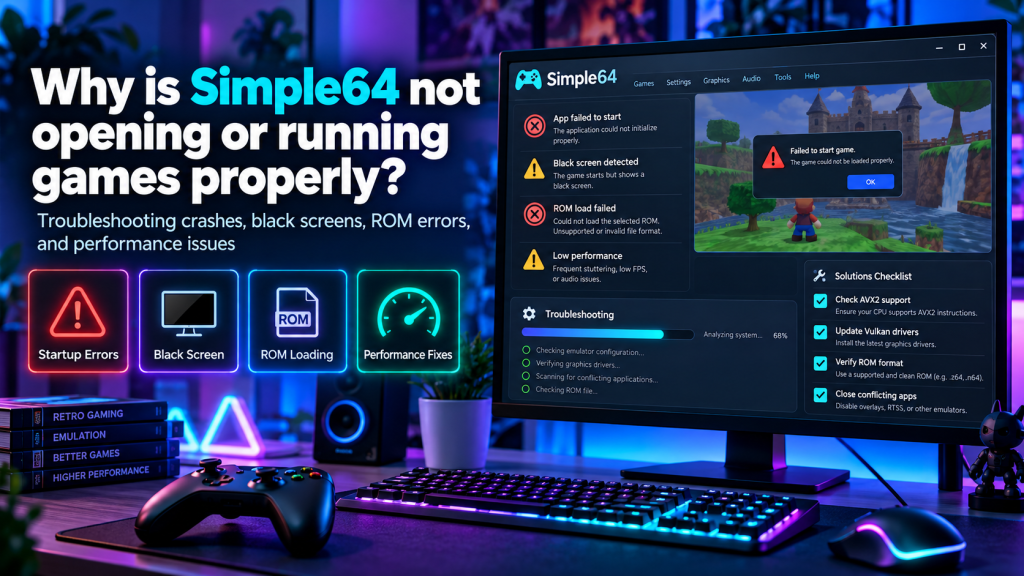
Simple64 is a free, open-source Nintendo 64 emulator that allows users to play classic N64 games on compatible modern computers. However, some players experience frustrating problems when the emulator refuses to open, crashes unexpectedly, or fails to load games. These issues can occur because of unsupported hardware, outdated graphics drivers, corrupted ROM files, or incorrect software settings. Understanding the possible causes is essential for finding an effective solution.
If Simple64 is not working properly on your Windows computer, several troubleshooting methods can help identify the problem. This guide explains common startup errors, black screens, graphics glitches, slow gameplay, and practical solutions for improving emulator performance.
Why Is Simple64 Not Opening on Windows?
Simple64 may fail to launch when your computer does not meet its minimum hardware requirements. The emulator requires specific processor instructions and graphics capabilities that some older or budget computers lack.
Another possible cause is interference from incompatible recording software or outdated graphics drivers. Before reinstalling the emulator, checking these potential problems can save time and prevent unnecessary changes.
Check Simple64 System Requirements First
Hardware compatibility is one of the most important factors affecting Simple64 performance. Unlike some Nintendo 64 emulators, Simple64 relies on modern processor instructions and Vulkan graphics technology.
| Component | Requirement |
|---|---|
| Operating System | Compatible 64-bit Windows or Linux |
| Processor | x86-64-v3 with AVX2 support |
| Graphics Card | Vulkan 1.1 or newer |
| RAM | No official minimum specified |
| Storage | Space for emulator and game files |
| Graphics Drivers | Updated Vulkan-compatible drivers |
If your CPU lacks AVX2 or your GPU does not support Vulkan 1.1, Simple64 may not launch. Installing additional software cannot add missing hardware capabilities.
How to Fix Simple64 Startup Problems
When Simple64 refuses to open, begin with basic troubleshooting before attempting advanced changes. Incomplete file extraction, unsupported hardware, and conflicting applications are common areas worth investigating.
Follow these steps:
- Restart your computer.
- Confirm your processor supports AVX2.
- Check your graphics card’s Vulkan compatibility.
- Update the graphics drivers.
- Re-extract the complete Simple64 ZIP package.
- Close incompatible screen-recording applications.
- Launch Simple64 again.
If the emulator still does not start, test whether your hardware meets every essential requirement. Unsupported components may prevent successful initialization.
Why Does Simple64 Show a Black Screen?
A black screen can appear when Simple64 cannot initialize graphics correctly or load the selected game. Outdated Vulkan drivers, damaged ROM files, and unsupported game modifications may contribute to this behavior.
Try opening another legally obtained Nintendo 64 ROM to determine whether the issue affects every game. If all games display black screens, investigate graphics compatibility and emulator configuration.
Fixing ROM Files That Refuse to Load
Simple64 supports common Nintendo 64 ROM formats, including .z64, .n64, and .v64. However, damaged files, incomplete downloads, or incompatible modifications can prevent games from starting.
Check the file extension and confirm that the ROM contains valid Nintendo 64 game data. If a compressed archive fails to open, extract the actual ROM before loading it through Simple64.
Solving Graphics Glitches and Corrupted Textures
Graphical problems may include flickering textures, missing objects, distorted colors, or corrupted images. These issues can sometimes result from outdated graphics drivers or damaged Vulkan shader cache files.
The developer recommends clearing the graphics driver’s Vulkan shader cache when graphics appear corrupted. On Windows, check the appropriate AMD, NVIDIA, or Intel cache directory, but avoid deleting unrelated system files.
Why Is Simple64 Running Games Slowly?
Simple64 emphasizes accurate Nintendo 64 emulation, which can require considerable processing and graphics performance. Computers with weaker hardware may experience slow gameplay, stuttering, or inconsistent frame rates.
Some Nintendo 64 games also experienced slowdowns on original console hardware. Therefore, occasional performance drops do not always indicate an emulator malfunction or incorrect configuration.
Improving Simple64 Gaming Performance
Several practical adjustments may help improve gaming stability when your computer meets the required specifications. Updating drivers and minimizing background activity are useful starting points.
Consider these performance improvements:
- Install updated graphics drivers.
- Close unnecessary background applications.
- Enable your computer’s high-performance power mode.
- Select the dedicated GPU on compatible laptops.
- Avoid running demanding programs simultaneously.
- Check whether the game originally experienced slowdowns.
- Restart Simple64 after changing important settings.
These adjustments may improve performance, but they cannot guarantee smooth gameplay on every computer.
Screen Recording Software Compatibility Issues
Some screen-recording applications can interfere with Simple64 and cause unexpected crashes. The developer specifically identified Bandicam and Action! as programs associated with emulator startup problems.
If either application is installed, test Simple64 after removing the conflicting software. OBS Studio was identified in the official documentation as an alternative that does not have the same reported compatibility problem.
Controller Not Responding During Gameplay
Sometimes Simple64 launches successfully, but the keyboard or connected controller does not respond. Incorrect input profiles, disconnected devices, or missing button assignments may cause these problems.
Open the controller configuration settings and select the appropriate input profile. Confirm that your gamepad is recognized by Windows, assign the necessary buttons, and test controls before restarting gameplay.
Preventing Crashes and Freezing Problems
Unexpected freezing may occur because of unsupported ROM hacks, graphics driver issues, or game-specific emulation problems. Identifying whether crashes affect one title or several games is particularly helpful.
Try running an unmodified ROM and avoid changing multiple settings simultaneously. If other games work normally, the problem may involve compatibility with the specific title rather than your computer.
Is Simple64 Still Receiving Updates?
Simple64 development officially stopped, and its repository was archived in February 2025. Consequently, users should not expect new bug fixes, compatibility improvements, or regular software updates.
Its existing releases remain available, but unresolved problems may continue affecting certain systems. Users experiencing persistent compatibility issues may need to consider another actively maintained Nintendo 64 emulator.
Conclusion
Simple64 may fail to open or run games properly because of unsupported hardware, outdated Vulkan drivers, corrupted ROM files, or conflicting software. By checking system requirements, updating graphics drivers, testing valid game files, and reviewing emulator settings, users can identify and resolve many common problems.
Although Simple64 is no longer actively developed, its existing features remain useful for compatible computers. Following a careful troubleshooting process, maintaining suitable drivers, and understanding the emulator’s limitations can help create a more stable and enjoyable Nintendo 64 gaming experience.