
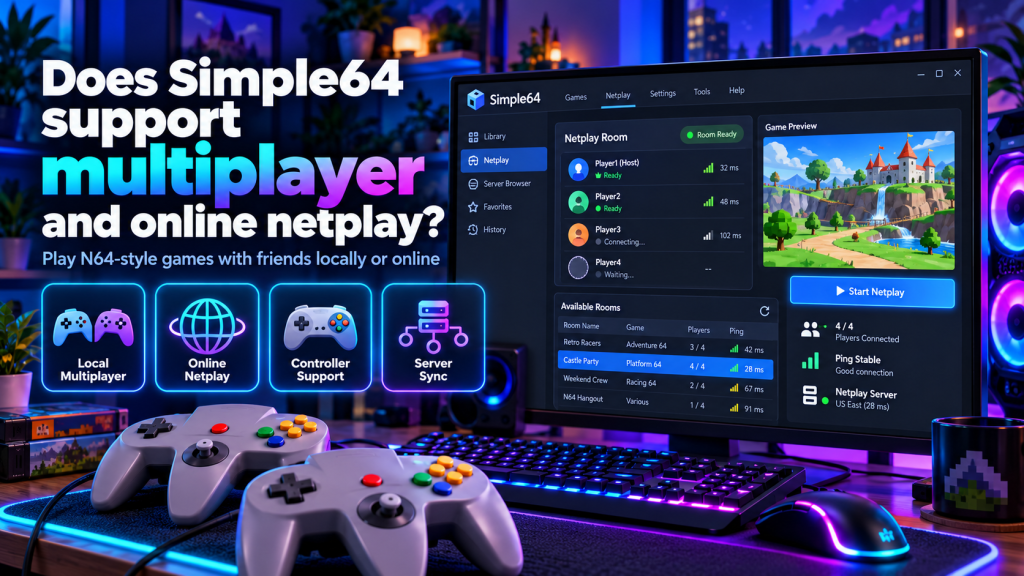
Simple64 is a free, open-source Nintendo 64 emulator that allows users to enjoy classic console games on modern computers. One of its most interesting features is multiplayer support, which makes it possible to experience compatible Nintendo 64 games with friends. Whether you enjoy competitive racing, fighting games, or cooperative adventures, Simple64 offers features designed to make retro gaming more enjoyable through local multiplayer and online connections.
Many users wonder whether Simple64 supports online netplay and how its multiplayer system works. This guide explains local multiplayer, online connectivity, supported games, controller configuration, network requirements, and common problems that may affect the gaming experience.
Does Simple64 Have Multiplayer Support?
Yes, Simple64 supports multiplayer gaming through local controller configurations and built-in online netplay functionality. Players can enjoy compatible Nintendo 64 multiplayer games without needing the original gaming console.
The emulator supports multiple controller inputs, allowing friends to participate in supported games. However, the number of available players depends on the original game’s multiplayer capabilities and the selected configuration.
How Does Simple64 Online Netplay Work?
Simple64 netplay allows players on different computers to participate in the same multiplayer gaming session through a network connection. Unlike traditional local multiplayer, participants do not need to share one physical computer.
Its netplay system uses servers to coordinate player inputs and synchronize important emulator settings. Instead of streaming complete game graphics, the system primarily transfers controller information between participants.
Difference Between Local and Online Multiplayer
Simple64 provides different ways to experience multiplayer games. Understanding the differences between local gaming and online netplay helps users choose the most suitable setup.
| Feature | Local Multiplayer | Online Netplay |
|---|---|---|
| Player Location | Same computer | Different computers |
| Internet Required | No | Yes, for remote play |
| Controllers | Multiple local inputs | Individual player inputs |
| Network Server | Not required | Required |
| Connection Quality | Not internet-dependent | Depends on network |
| Game Compatibility | Supported multiplayer titles | Compatible netplay sessions |
Local multiplayer is convenient for friends playing together in one room. Online netplay offers greater flexibility when participants live in different locations.
How to Set Up Simple64 Online Multiplayer
Before starting an online session, every player should use a compatible Simple64 installation and matching game files. The emulator checks important compatibility details to help prevent synchronization problems.
Follow these steps to prepare online multiplayer:
- Launch Simple64 on your computer.
- Connect and configure your preferred controller.
- Open the emulator’s netplay interface.
- Select an available compatible server.
- Create a multiplayer room or join an existing one.
- Choose the appropriate Nintendo 64 game.
- Confirm that participants have matching ROM files.
- Start the session when everyone is ready.
The available connection options depend on the installed version. Online sessions also require a functioning netplay server.
Which Nintendo 64 Games Support Multiplayer?
Simple64 netplay was designed to work with a wide range of Nintendo 64 games. However, actual compatibility depends on the game, emulator behavior, and synchronization between participants.
Popular multiplayer titles include:
- Mario Kart 64: Competitive racing with friends.
- Super Smash Bros.: Multiplayer fighting battles.
- GoldenEye 007: Classic multiplayer shooting gameplay.
- Mario Party: Interactive board-game challenges.
- Diddy Kong Racing: Racing adventures and competitions.
- Perfect Dark: Competitive multiplayer missions.
These games offer different multiplayer experiences, but successful online operation is not guaranteed for every title or modified ROM.
Internet Requirements for Simple64 Netplay
Simple64 netplay primarily transfers controller input data rather than complete video streams. This approach reduces bandwidth requirements and makes online multiplayer practical on various internet connections.
However, network stability and latency remain important for responsive gameplay. A reliable internet connection and geographically closer servers can help reduce interruptions and input delays.
Configuring Controllers for Multiplayer Gaming
Each participant should configure their controller before joining a multiplayer session. Simple64 supports customizable input profiles, allowing players to assign buttons according to their preferred devices.
Testing controls in single-player mode is recommended before attempting online gameplay. Incorrect button mappings or disconnected controllers can interrupt multiplayer sessions and create unnecessary configuration problems.
How Simple64 Keeps Multiplayer Sessions Synchronized
Simple64 includes synchronization features designed to help participants maintain compatible gaming configurations. The emulator verifies ROM information and software versions to reduce differences between connected systems.
During netplay setup, relevant save data and emulator settings can be synchronized between participants. This helps players begin their multiplayer sessions with consistent game conditions.
Does Simple64 Require Port Forwarding?
Simple64 uses a server-based netplay system rather than requiring direct peer-to-peer connections between individual players. Consequently, users normally do not need to configure router port forwarding when joining available servers.
The developer also provided server software for hosting multiplayer sessions, including local network setups. Running a private server may require additional networking knowledge and configuration.
Fixing Common Simple64 Netplay Problems
Multiplayer connections may fail because of unavailable servers, incompatible ROM files, mismatched emulator versions, or unstable internet connections. Identifying the exact cause is important before changing unrelated settings.
Try these troubleshooting solutions:
- Confirm that the selected netplay server is reachable.
- Use matching Simple64 versions.
- Verify that everyone has identical ROM versions.
- Test controller inputs before connecting.
- Restart the emulator after connection failures.
- Check firewall settings for blocked connections.
- Use a stable internet connection whenever possible.
If the multiplayer server is permanently unavailable, ordinary troubleshooting may not restore online access.
Is Simple64 Online Netplay Still Available?
Simple64 development officially ended, and its repository was archived in February 2025. Although the existing emulator includes netplay functionality, continued access to its original public servers is not guaranteed.
The developer previously explained that maintaining public netplay servers required ongoing financial support. Users should therefore distinguish between the emulator supporting netplay and its online services being currently operational.
Conclusion
Simple64 supports local multiplayer and includes online netplay features designed for compatible Nintendo 64 games. Its server-based architecture, controller synchronization, ROM verification, and relatively low bandwidth usage provide useful tools for enjoying classic multiplayer games with friends.
Although Simple64 is no longer actively maintained, its existing multiplayer capabilities remain part of the emulator. Players should verify server availability, configure controllers correctly, and use matching game files before starting online sessions to improve their chances of a reliable retro gaming experience.