
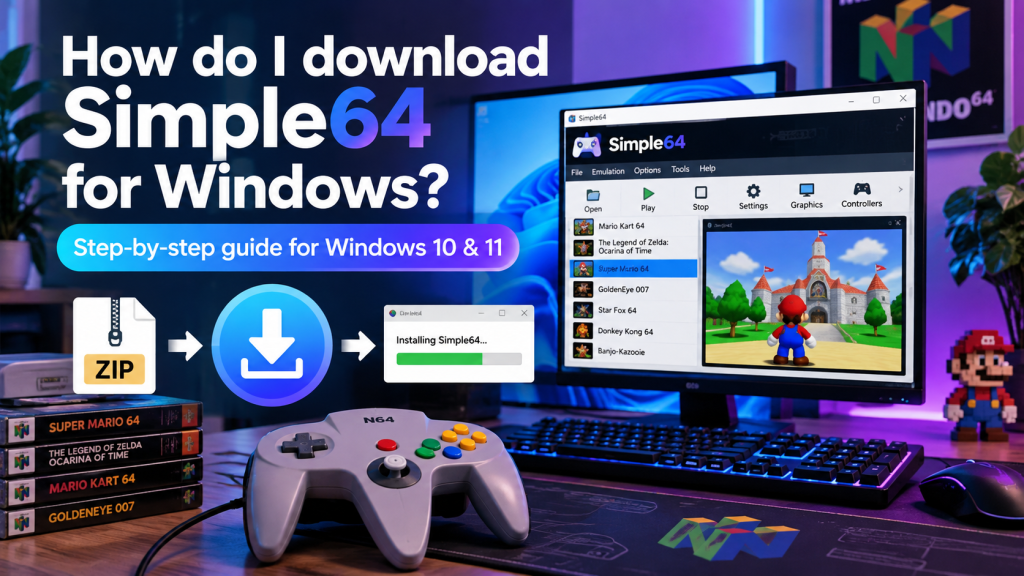
Simple64 is a free Nintendo 64 emulator that allows Windows users to enjoy classic N64 games on modern computers. If you want to revisit your favorite retro games without using an original console, downloading Simple64 is a convenient option. The emulator focuses on accurate gameplay, controller compatibility, and straightforward configuration, making it useful for retro gaming enthusiasts.
Downloading Simple64 for Windows is relatively simple, but choosing the correct version and checking system compatibility are important. Whether you use Windows 10 or Windows 11, this guide explains how to find the official download, extract the required files, install the emulator, and prepare it for an enjoyable gaming experience.
What Is Simple64 for Windows?
Simple64 is an open-source Nintendo 64 emulator built around Mupen64Plus technology. It uses ParaLLEl graphics emulation to reproduce the original console’s visuals and gameplay on compatible Windows computers.
Unlike complicated emulators, Simple64 provides a straightforward interface for loading games, adjusting settings, and configuring controllers. However, checking its hardware requirements before downloading helps prevent compatibility issues.
Where Can You Download Simple64 Safely?
The safest place to download Simple64 is its official GitHub repository, where the developer published Windows releases. These packages are available without subscription fees or mandatory registration.
Avoid unfamiliar download websites offering modified installers or bundled applications. Since Simple64 is no longer actively maintained, downloading the original release package is particularly important for security and reliability.
How to Download Simple64 for Windows 10 and 11
Downloading Simple64 requires only a few steps. Before starting, confirm that your computer supports the emulator’s processor and graphics requirements to avoid unnecessary installation problems.
Follow these instructions to download the Windows version:
- Open your preferred internet browser.
- Search for the official Simple64 GitHub repository.
- Navigate to the repository’s Releases section.
- Locate the latest published software release.
- Expand the Assets section to view available files.
- Select the Windows 64-bit ZIP package.
- Download the archive to your computer.
- Wait until the download finishes completely.
Make sure you select the Windows package rather than a Linux version or source code archive. Downloading the correct file prevents unnecessary extraction and startup problems.
Check Windows Compatibility Before Installation
Simple64 requires compatible 64-bit computer hardware and modern graphics support. Windows 10 and Windows 11 users can run the emulator when their systems meet the necessary requirements.
| Component | Requirement |
|---|---|
| Operating System | Compatible 64-bit Windows 10 or 11 |
| Processor | CPU supporting AVX2 instructions |
| Graphics Card | Vulkan 1.1 or newer support |
| Storage | Space for emulator and game files |
| Controller | Optional compatible gamepad |
| Graphics Drivers | Updated Vulkan-compatible drivers |
Even powerful computers may encounter problems without AVX2 support or compatible Vulkan drivers. Checking these requirements before downloading can save time and prevent unexpected errors.
Extracting the Downloaded Simple64 ZIP File
After downloading the archive, locate it in your Downloads folder. Simple64 is distributed as a compressed ZIP package, meaning you normally do not need a traditional installation wizard.
Right-click the downloaded file and select Extract All. Choose a convenient destination, such as a dedicated Simple64 folder, then complete the extraction process before opening the application.
Launching Simple64 for the First Time
Open the extracted folder and locate the Simple64 application executable. Double-click the program to launch the emulator and access its main interface.
If Windows displays a security warning, verify that the archive came from the original developer’s repository. Avoid bypassing security warnings when using files obtained from unknown websites.
Preparing Simple64 for Nintendo 64 Games
Once Simple64 opens, explore its configuration options and adjust the controller settings according to your preferences. Checking input assignments before launching a game helps ensure that buttons respond correctly.
To start playing, use the emulator’s file-opening option and select a supported Nintendo 64 ROM file. Remember that Simple64 does not include commercial games, so game files must be obtained legally.
Common Download and Startup Problems
Sometimes Simple64 fails to download, extract, or launch correctly. These issues may result from incomplete downloads, unsupported hardware, outdated graphics drivers, or incorrectly extracted files.
Try these troubleshooting steps:
- Download the ZIP archive again if it appears corrupted.
- Extract all files before launching the emulator.
- Verify that your processor supports AVX2 instructions.
- Update your graphics drivers for Vulkan compatibility.
- Check whether antivirus software has quarantined necessary files.
- Restart your computer and launch Simple64 again.
If your system lacks the required hardware capabilities, reinstalling Simple64 will not resolve the compatibility problem.
Important Tips for a Secure Download
Always download Simple64 from the original developer’s release repository. Official packages reduce the risk of receiving modified software containing unwanted programs or potentially harmful components.
Keep a backup of your extracted emulator folder and important game saves. Because Simple64 development has stopped, users should not expect regular updates, compatibility improvements, or new official releases.
Conclusion
Simple64 provides Windows users with a straightforward way to experience classic Nintendo 64 gaming on compatible computers. By choosing the correct download package, extracting its contents, and checking system requirements, users can prepare the emulator without complicated installation procedures.
Although Simple64 is no longer actively developed, its existing Windows version remains available for retro gaming enthusiasts. Downloading from a trusted source, updating graphics drivers, and configuring the emulator carefully can help create a reliable and enjoyable gaming experience.